
Devices report over bi-directional 4G. The portal holds the measurement record and configuration history; supports remote configuration and alarming; and, has a local data collection option through the Wi-Fi Interface Tool.
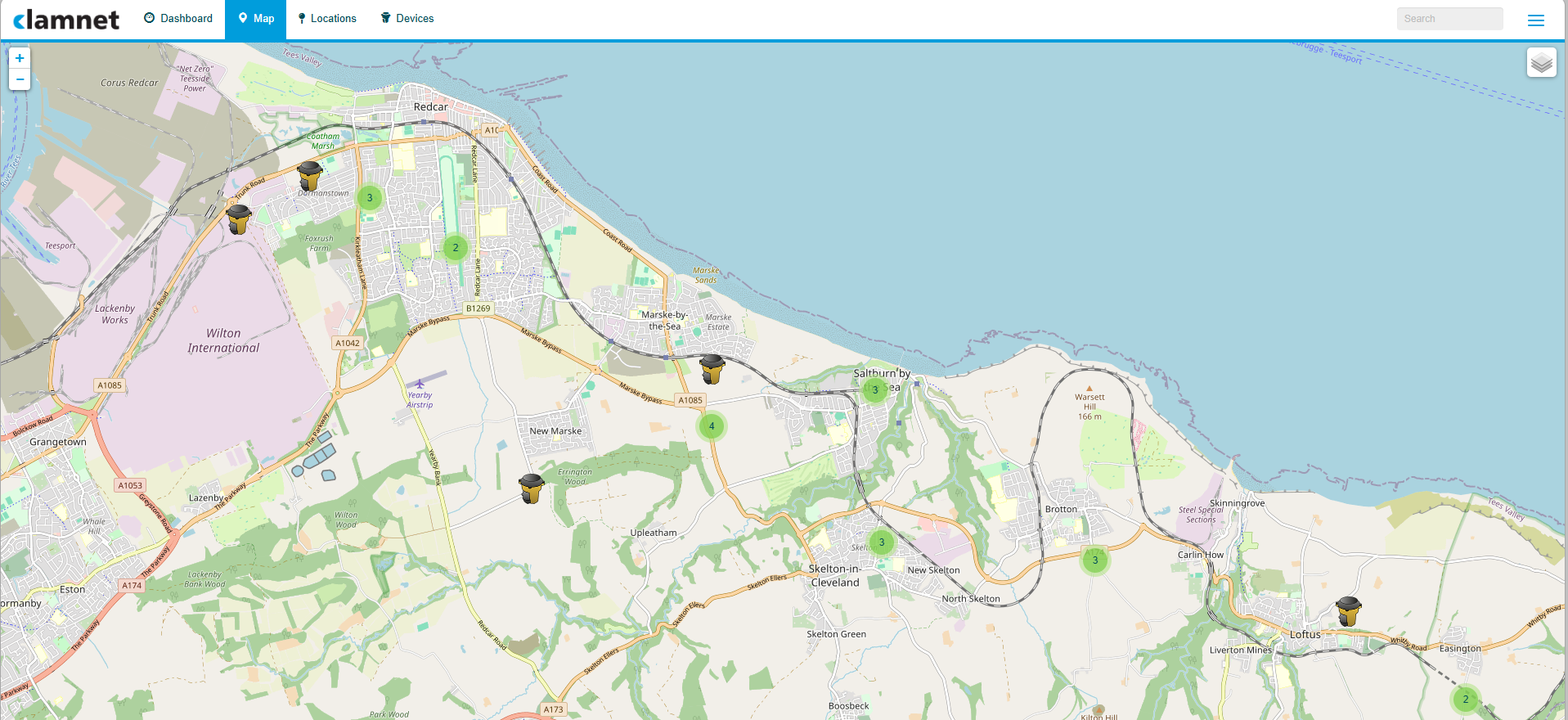
The Clamnet Portal allows you to view data, set locations for clams, set up alarms and notifications for important thresholds, view clam locations in map form with alarmed clams highlighted and more.
- Visibility of water quality trends and device status at monitored locations.
- Remote configuration and management of all the Clamnet suite of products reducing site visits and staff time.
- As a cloud based data portal, clamnet portal is accessible via any browser giving ability to view data anywhere with an internet connection.
- Control user access, permissions and alerts.
- Personalisable dashboard allowing site comparisons
- Access to manuals and user guides
- Role-based access control
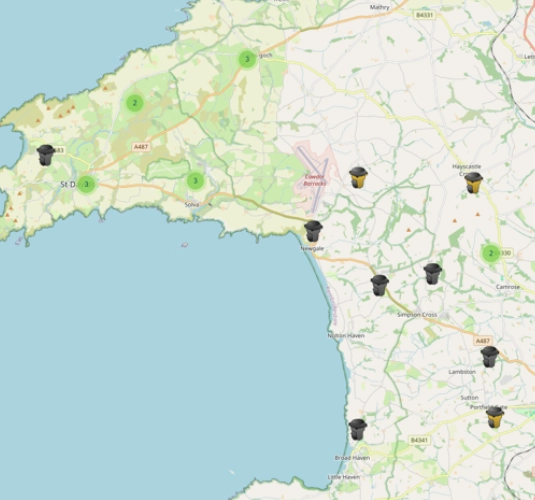
Clamnet portal
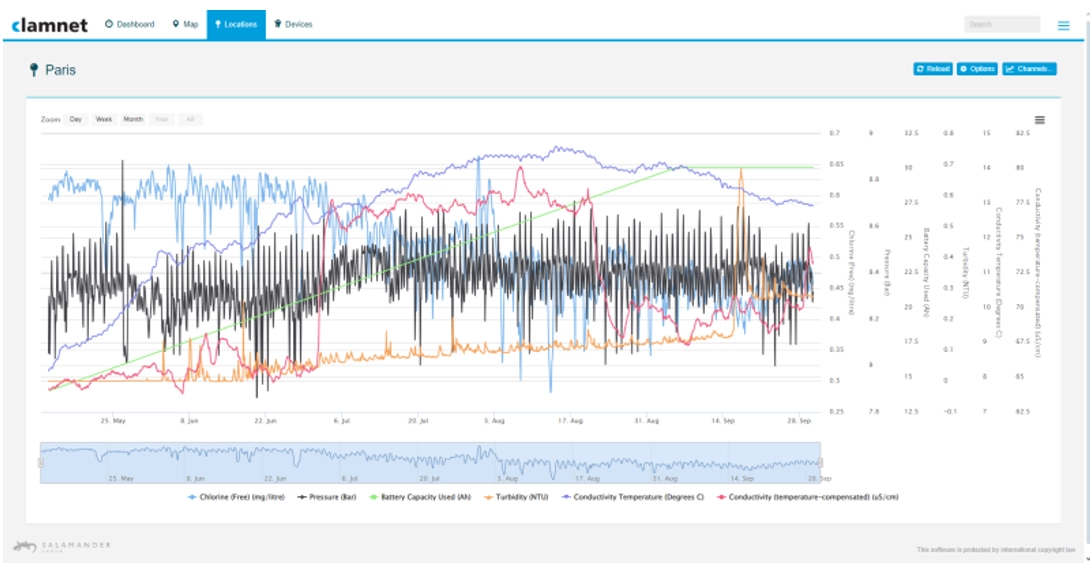
Clamnet brings measurements from deployed instruments into a common view. Users can compare sites and trends, review threshold alerts, check device status and adjust supported settings remotely. API and CSV access allow the data to be used alongside existing operational records and analytical systems.
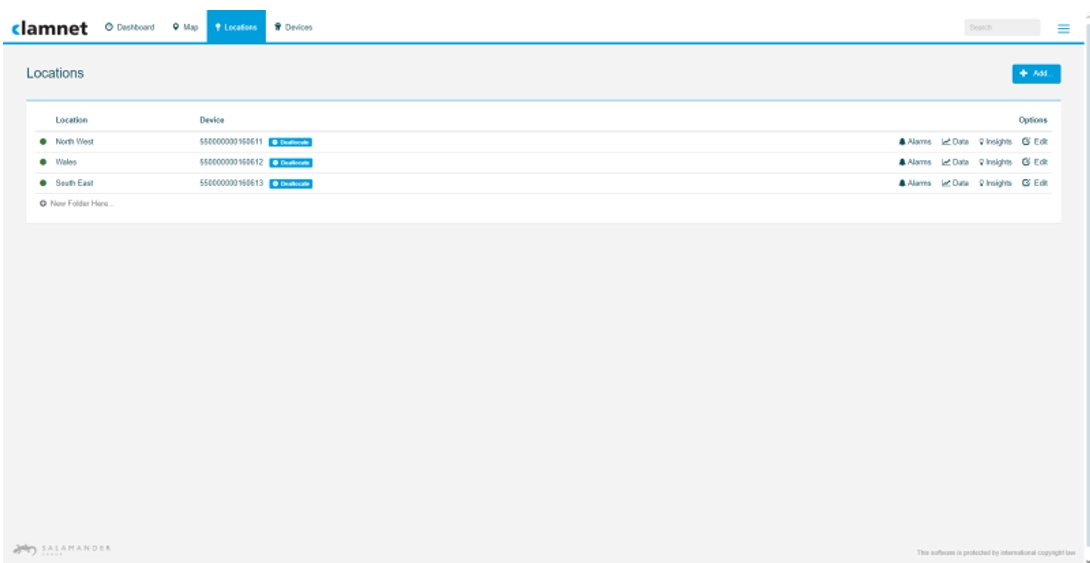
Devices can be renamed and grouped for ease of use but are always discoverable via their serial number.
The Clamnet Portal provides data that can be extracted via an API or downloaded in image or CSV formats for further manipulation within spreadsheets.
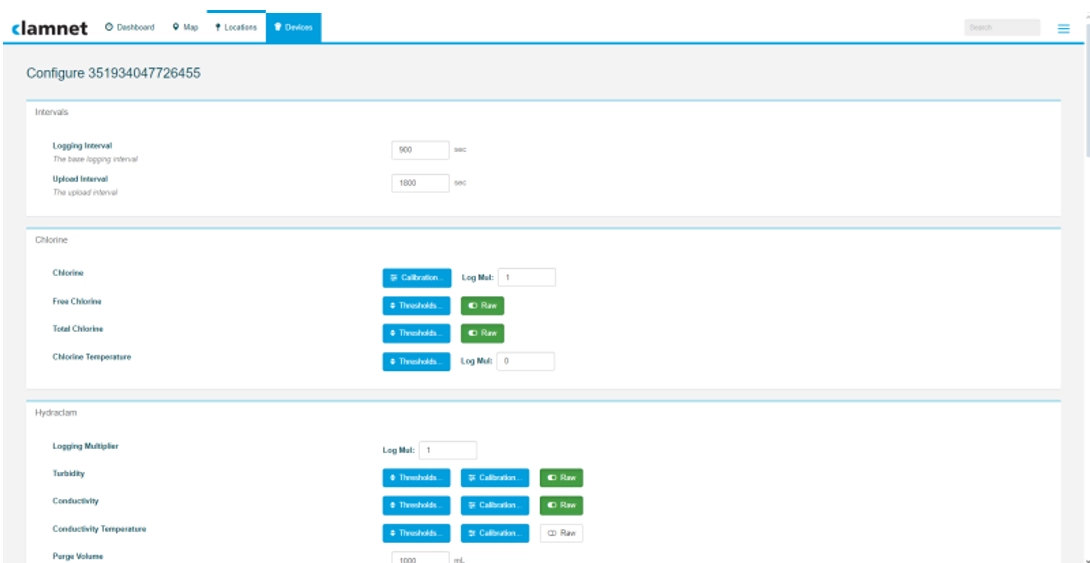
Logging and transmission intervals are configurable within the limits of the instrument, sensors and power arrangement. Portal visibility and notification timing depend on successful data transmission and the configured alarm behaviour. Typical logging intervals are every 15mins and upload intervals are every 6hrs. If an alarm threshold is breached the clam will instigate an immediate upload* and a more frequent logging interval.
*requires incident mode to be enabled on the clam configuration